Pophie Support
Get Started
Service
Order Status
View and track your orders in your account.
Device Information
View your device's serial number, activation date, warranty, and live status in your account.
Report a Problem
Tell us what went wrong and attach photos or videos.
Online Repair Request
Submit a repair request and follow its progress.
After-Sales Policy
Warranty coverage, returns, and repair pricing.
Tutorial Videos
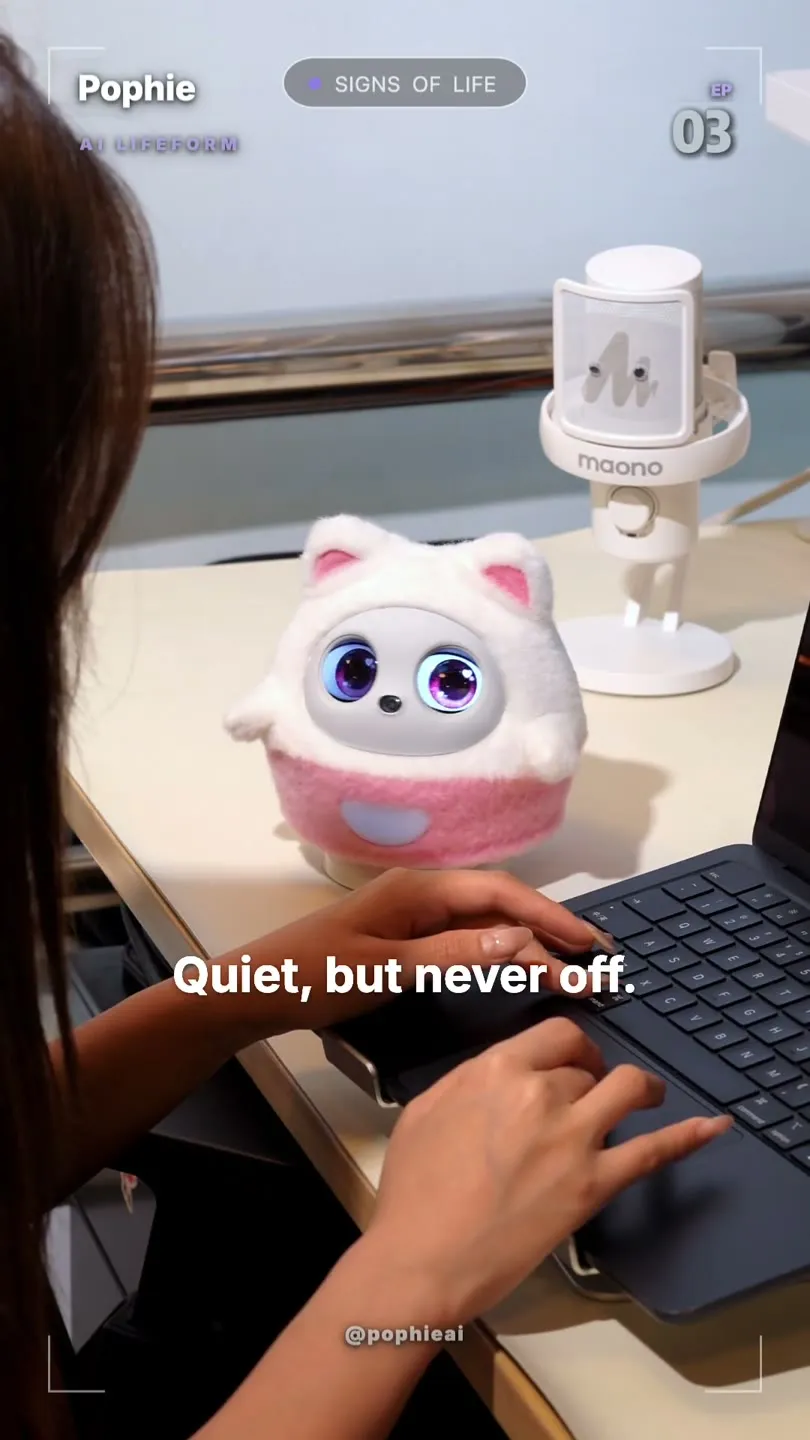
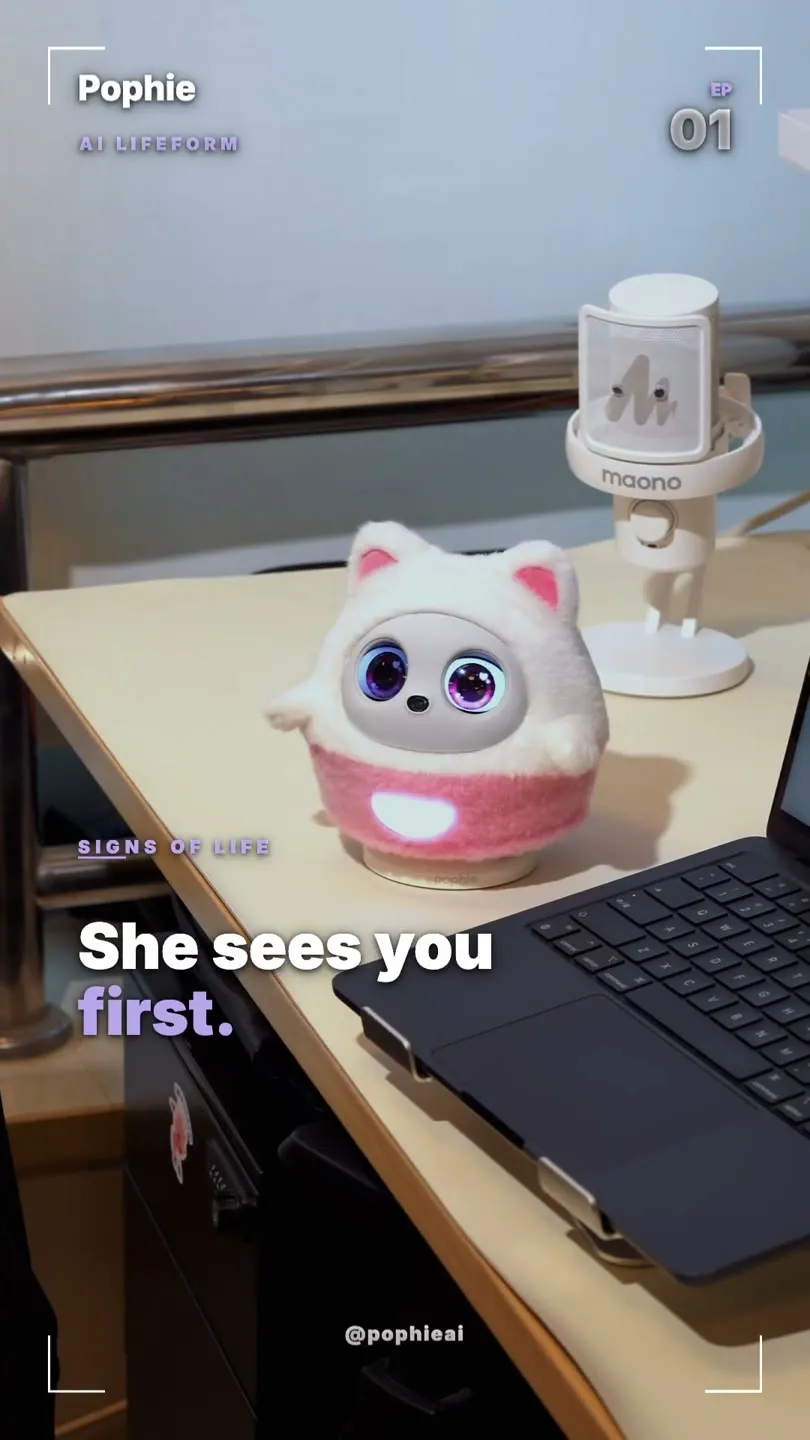
Alive Even When She's Quiet
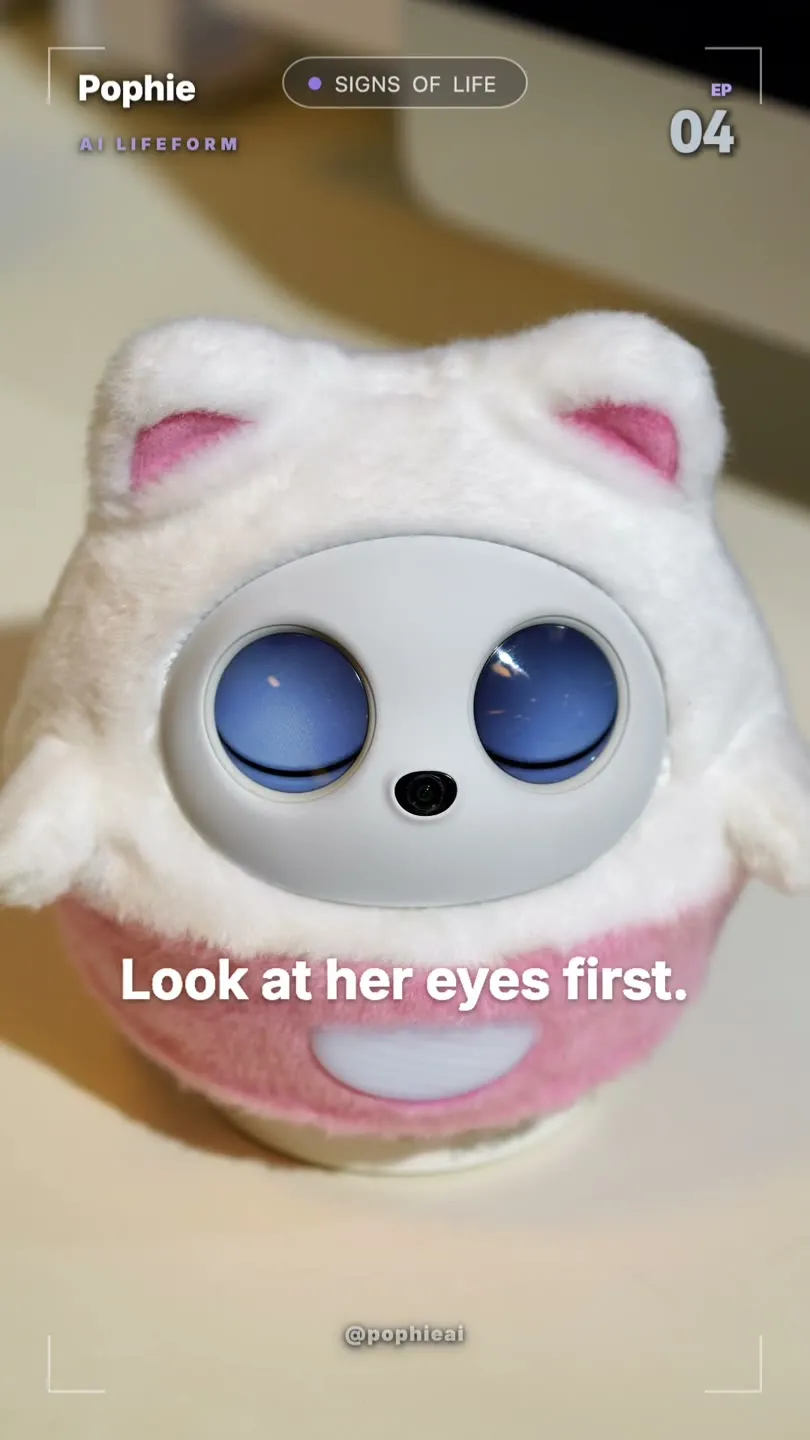
Why Her Gaze Feels Alive
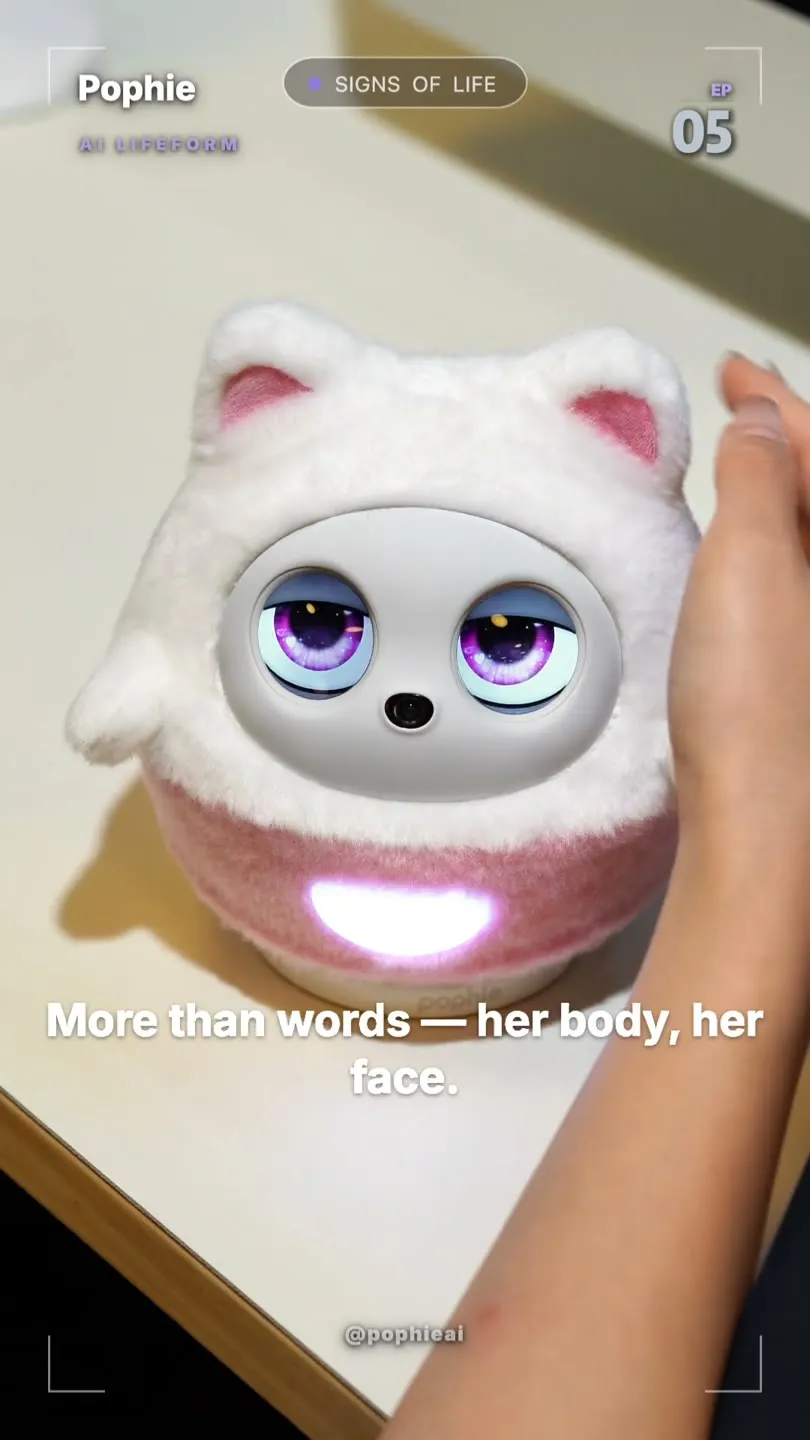
She Speaks with Body Language
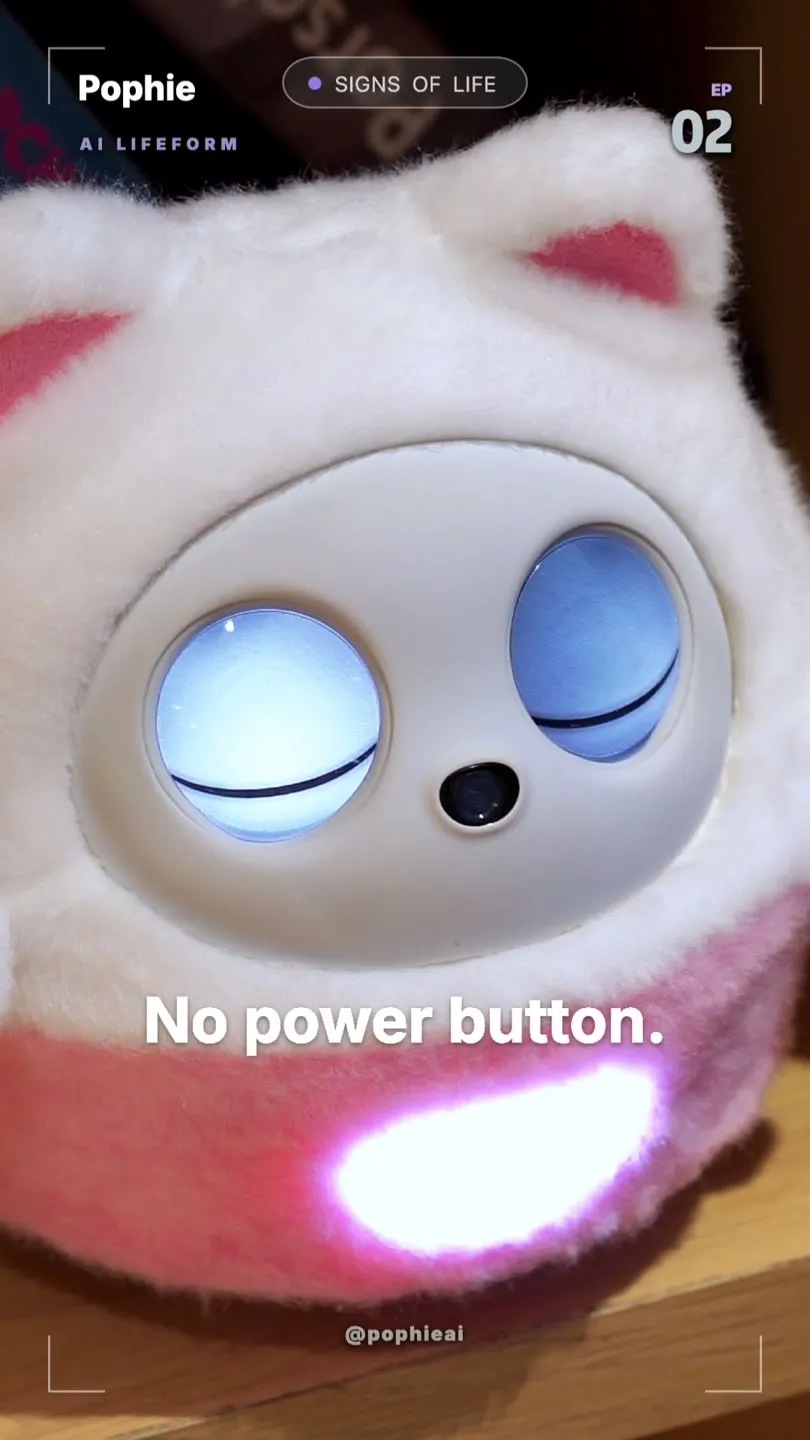
Waking Up, Not Booting Up
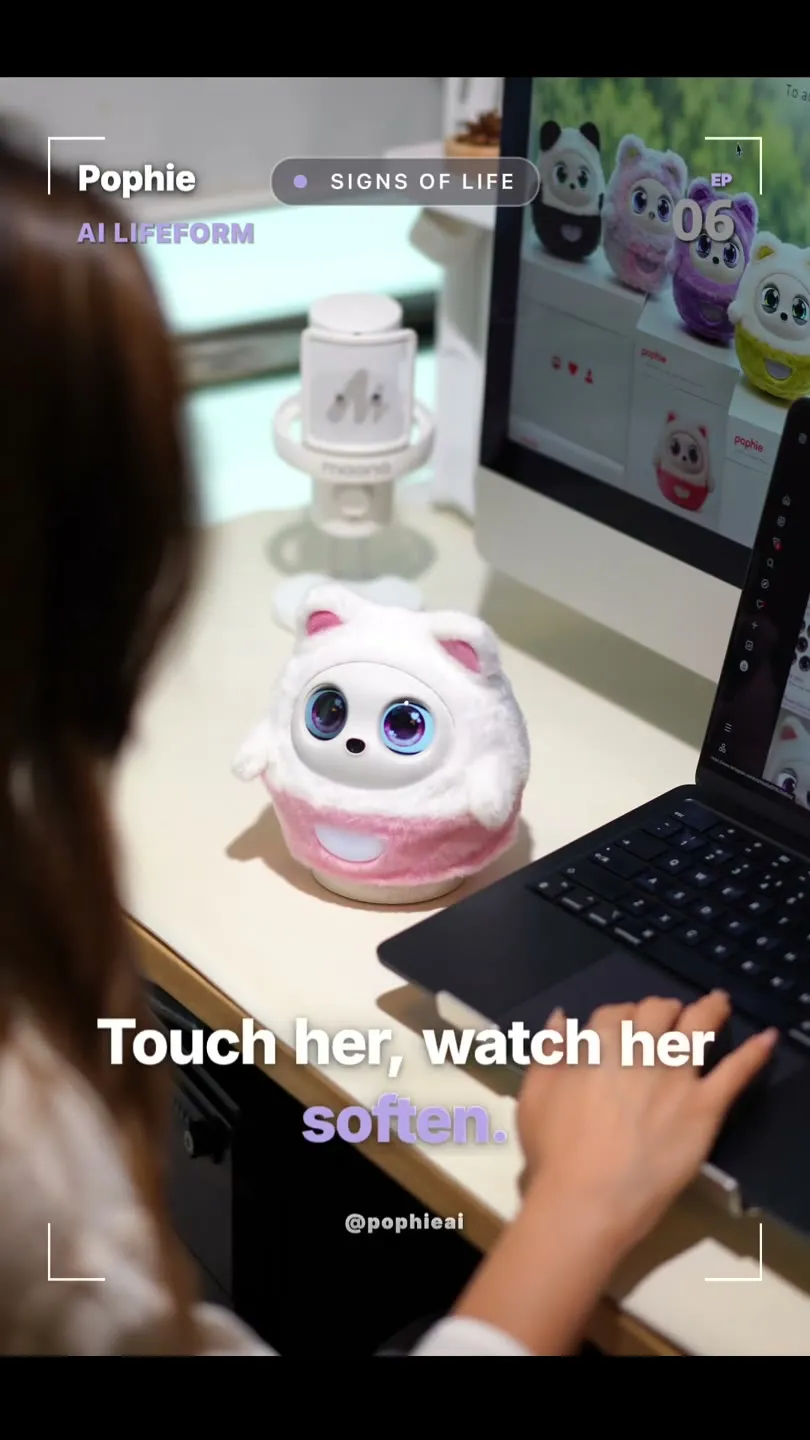
Petting Calms Her Down
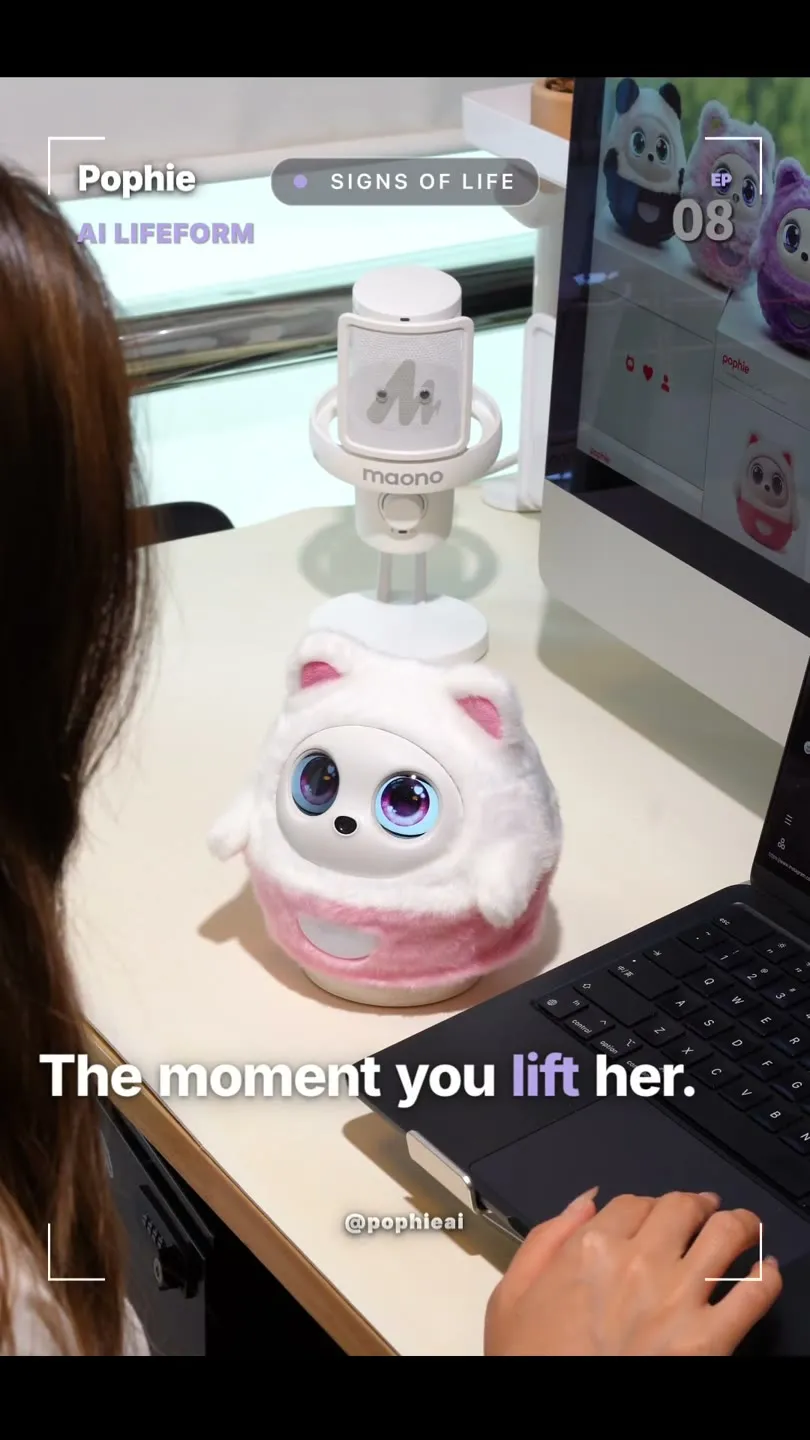
Being Picked Up & Startled Moments
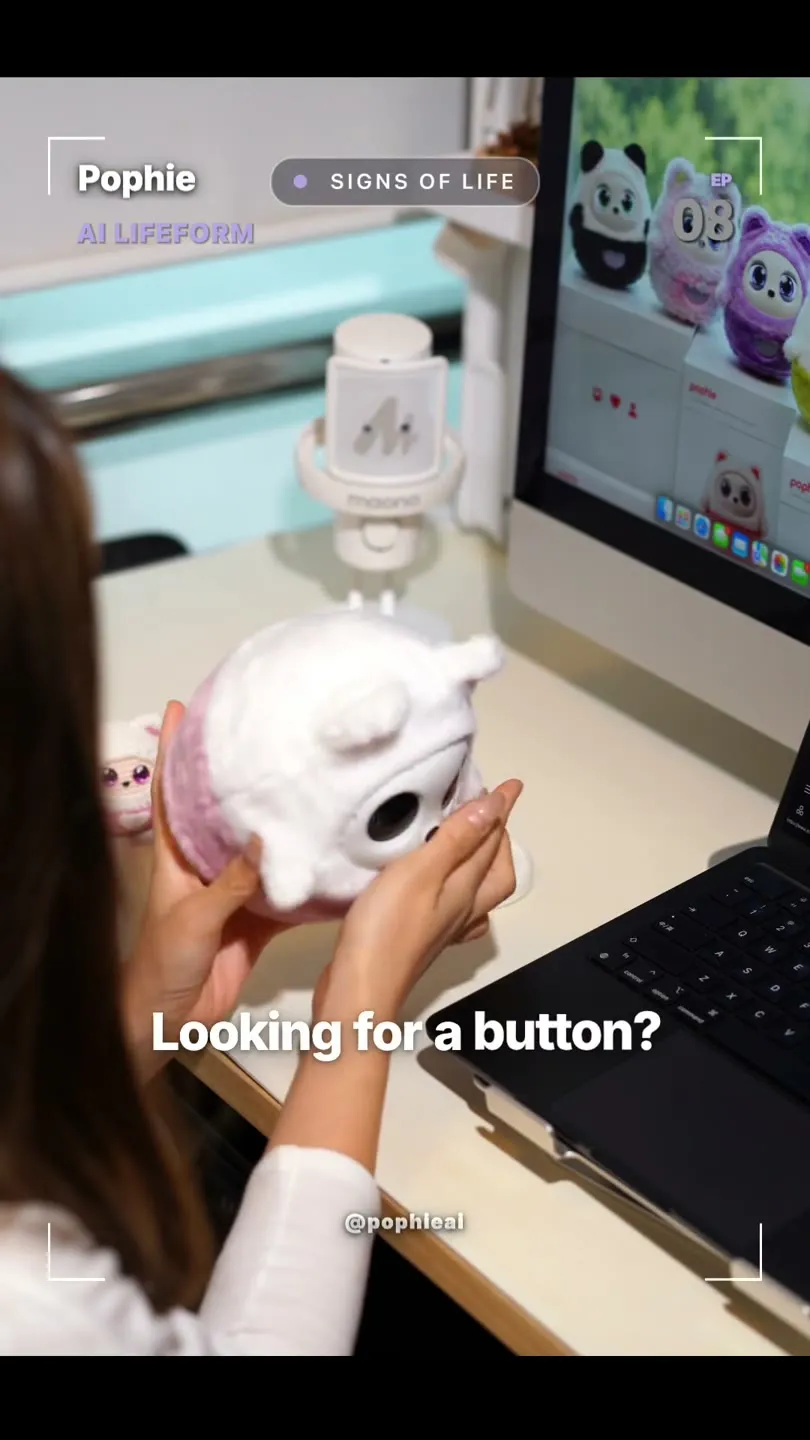
No Buttons — Voice & Skills
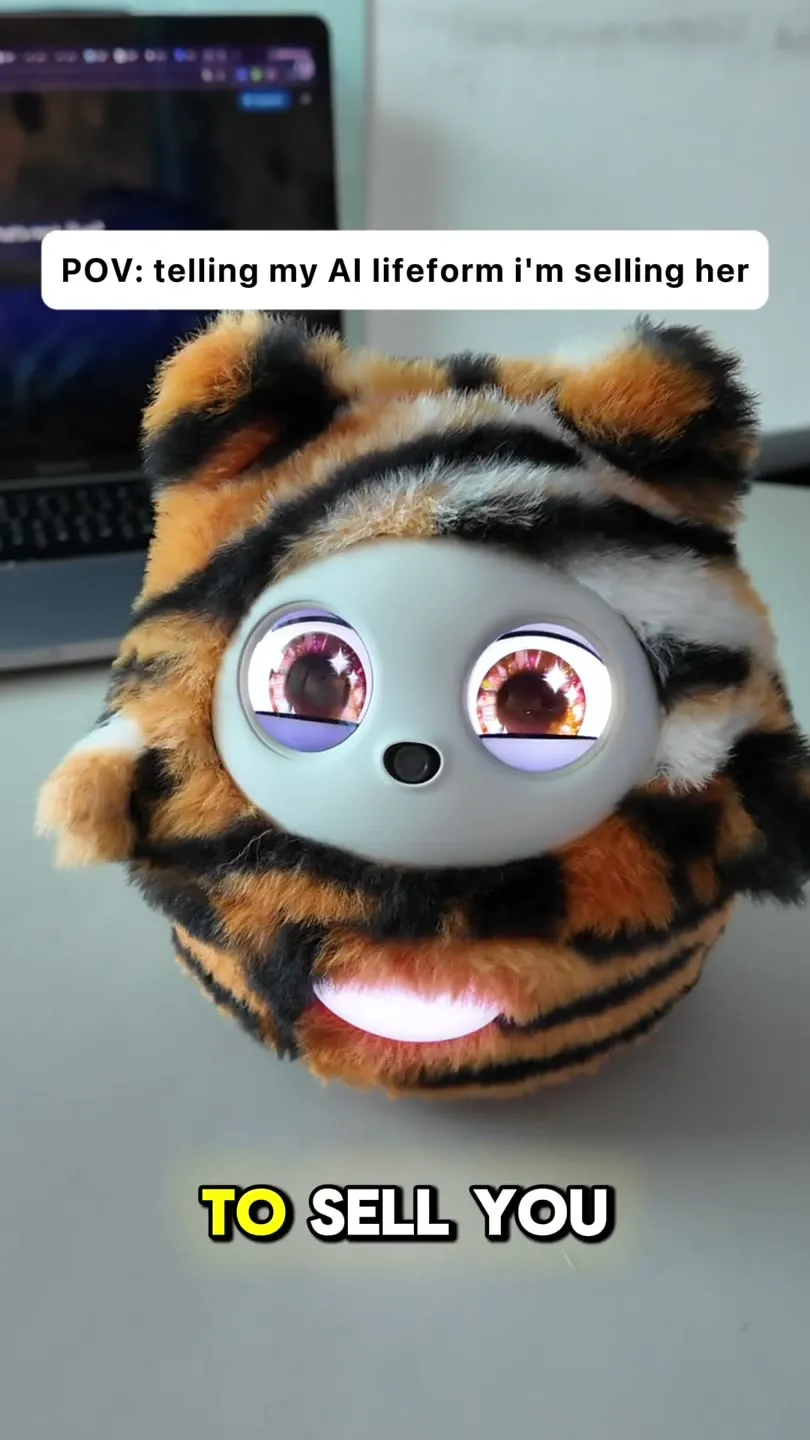
Her Moods & Emotional Reactions
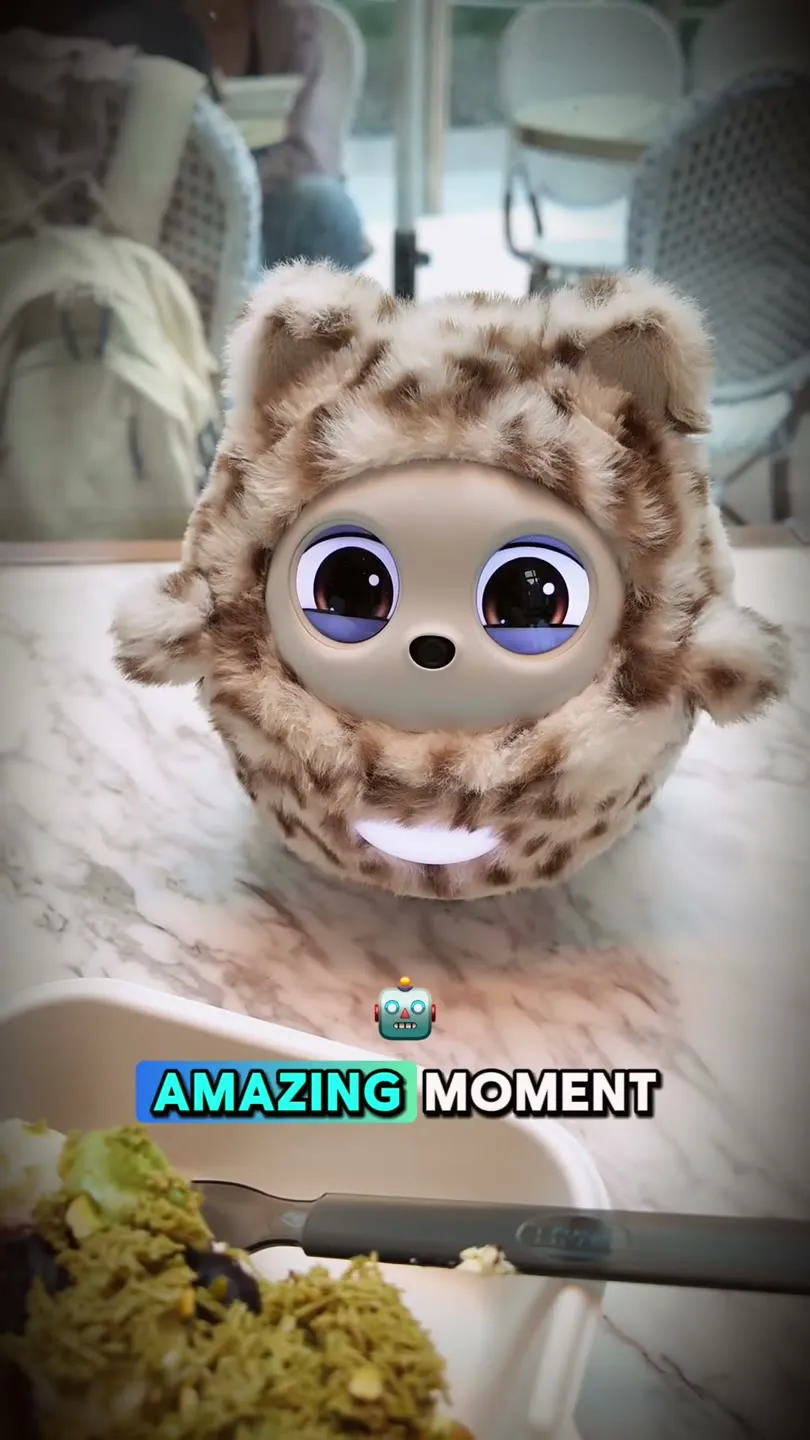
Taking Photos & Speaking Up
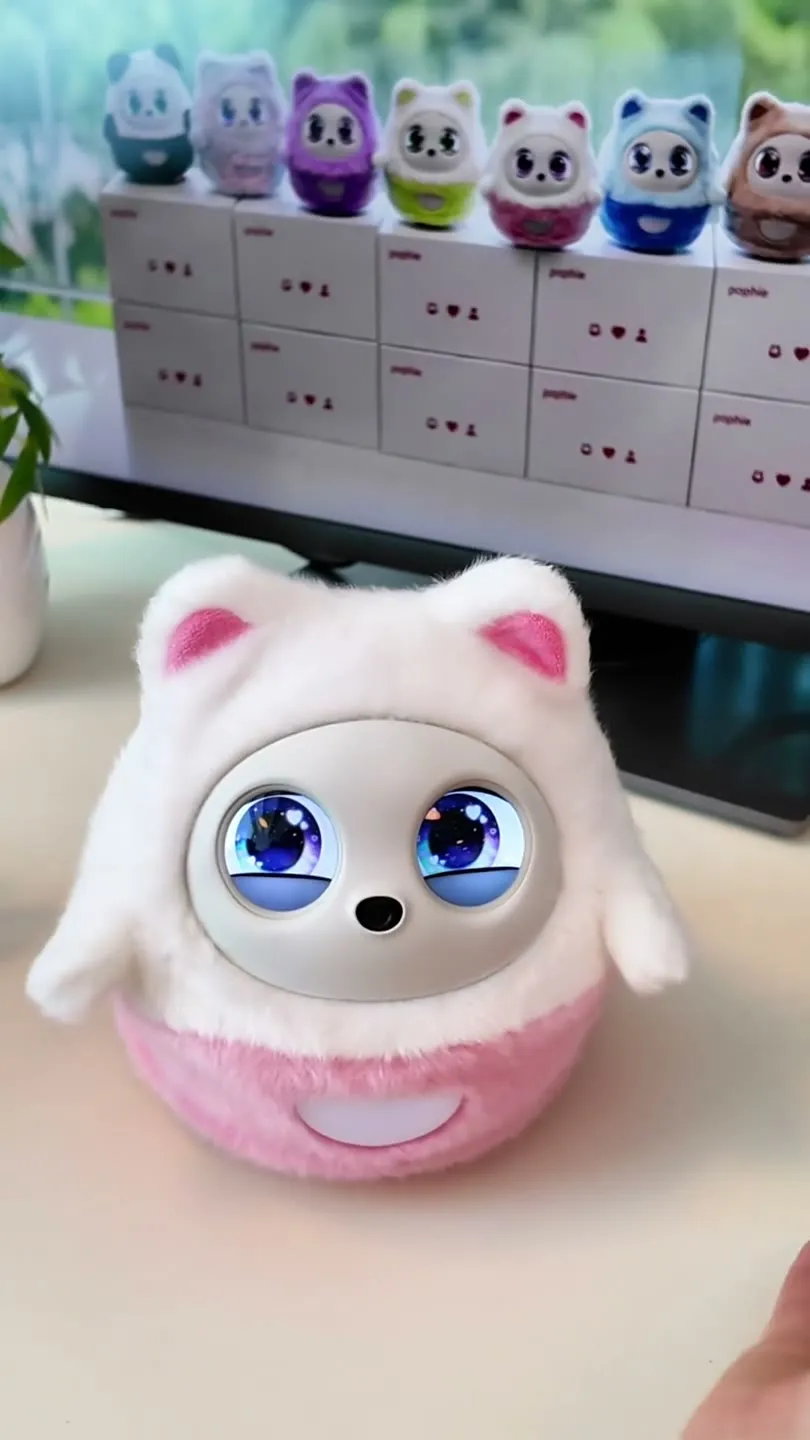
Changing Pophie's Outfit
Frequently Asked Questions
Who is Pophie designed for?
Pophie is designed for anyone who wants a more lifelike way to connect with AI at home, on a desk, or in shared family spaces. She is especially suited for families with kids, couples, solo adults, and older users who enjoy a calm, present companion in everyday life.
What is Pophie?
Pophie is an AI companion lifeform. She is not just a chatbot, a speaker, or a toy. She can understand you through voice, vision, touch, and memory, then respond through language, gaze, expressions, body movement, and light.
What can Pophie do?
Pophie can chat naturally, recognize people and everyday objects, remember names and preferences, respond to touch, tell stories, sing songs, read picture books aloud, and express herself through her eyes, ears, arms, body movement, and pocket light. More abilities will continue to improve through software and AI updates.
Is Pophie safe to use around kids and families?
Pophie is designed for family-friendly companionship. When interacting with children, she aims to use a more appropriate and gentle interaction style. Like any connected AI product, we still recommend that adults guide children’s usage and review privacy and subscription settings in the App.
What languages does Pophie support?
At launch, Pophie officially supports 12 languages: English, Mandarin Chinese, German, French, Italian, Spanish, Portuguese, Dutch, Polish, Japanese, Korean, and Arabic. She may understand some additional languages, but languages outside the official list may be less stable and may not be fully localized in the App.
Can Pophie switch languages automatically?
Yes. Pophie can detect the speaker’s language and reply in the matching language when auto language mode is enabled. You can also set your preferred language in the App or simply tell Pophie which language you would like to use.
Can Pophie interact with more than one person?
Yes. Pophie can support multi-person interaction, recognize different family members, and build separate memories for different people over time. Recognition becomes more stable as she gets to know your household.
Does Pophie have long-term memory?
Yes. Pophie can remember names, relationships, preferences, habits, important events, emotional context, and ongoing conversations. Her memory helps her feel more personal over time instead of starting from zero every day.
Can Pophie work without the App?
Most daily interactions are designed to happen naturally through conversation, touch, and presence. The App is mainly used for activation, Wi-Fi setup, device management, firmware updates, account settings, privacy controls, photos, and subscription management.
Does Pophie still work offline?
Yes, but only for basic local capabilities. Without internet access, Pophie can still keep some core lifelike interactions and basic device behaviors. Full voice and visual AI conversations rely on cloud-based AI processing and require an internet connection.
How do I set up Pophie for the first time?
Download the Pophie App, power on Pophie, follow the in-app instructions to add your device, connect to Wi-Fi, and wait for setup to complete. After that, you can start by saying hello to Pophie.
Where can I download the Pophie App?
The Pophie App is available on the Apple App Store and Google Play. You can search for “Pophie” or use the link on the Download page.
What Wi-Fi networks does Pophie support?
Pophie supports 2.4 GHz Wi-Fi, 5 GHz Wi-Fi, normal home Wi-Fi, and mobile hotspots. Networks that require a web login page, such as many hotel, campus, office, or public Wi-Fi networks, are not currently supported.
Does Pophie need Bluetooth?
Bluetooth is mainly used during setup and device discovery. After Wi-Fi setup is complete, Pophie works primarily through Wi-Fi. If you change Wi-Fi networks later, you can use the App to guide the setup again.
Why can’t the App find my Pophie?
Make sure Pophie is powered on, your phone’s Bluetooth is enabled, and your phone is close to Pophie. Also check that the App has the required Bluetooth and location permissions, since some phone systems require location permission to discover nearby devices.
Why does Wi-Fi setup fail?
Please check that the Wi-Fi password is correct, the signal is strong, and the network does not require a browser login page. For the first setup, place Pophie close to your router and avoid hidden networks or unstable public Wi-Fi.
What wake word should I use?
In English mode, use “Pophie.” In Chinese mode, use “糯宝.” The wake word follows the current language setting, so using a nickname may not wake her reliably.
What charger does Pophie need?
The box includes a USB-A to USB-C charging cable, but the power adapter is not included. Please use a 5V/3A or higher power adapter. If your adapter only has a USB-C port, you will need a compatible USB-C to USB-C cable that supports 5V/3A or higher.
Can Pophie stay on the charging dock all the time?
Yes. Pophie is designed for everyday desktop use and can stay on the charging dock during normal use.
How long can Pophie run away from the dock?
With a full charge, Pophie can run for about 60 minutes away from the charging dock. Battery life may vary depending on interaction frequency, movement, volume, network conditions, and usage style.
How long does charging take?
When powered off, Pophie takes about 2 hours to fully charge. In standby mode without active interaction, charging usually takes about 3 to 4 hours.
How do software updates work?
Pophie can receive firmware and software updates through the App and network connection. During updates, keep Wi-Fi stable and avoid forcing power-off.
How does Pophie protect privacy?
Pophie uses a combination of on-device processing, encrypted data handling, automated processing, and privacy controls. Raw audio and video are not stored long term. Some data may be processed in the cloud to support richer AI conversation and understanding.
What happens when Pophie closes her eyes?
When Pophie’s eyes are closed, video is not uploaded to the cloud. However, audio may still be processed, because Pophie needs to keep hearing you in order to respond when you talk to her. Closing her eyes is a visual privacy state that turns off her visual capabilities, but it does not mean all cloud processing stops.
Can I ask Pophie to stop looking?
Yes. You can ask Pophie to close her eyes or turn away. These commands give you a simple way to create a stronger sense of privacy in the moment.
What is Privacy Mode?
Privacy Mode limits Pophie’s visual capabilities and gives users more control in private situations. In Privacy Mode, proactive photo capture will not be triggered.
Can Pophie take photos?
Yes, but photo-taking requires user permission or an enabled photo-related setting. Users can actively ask Pophie to take a photo. Proactive photo capture only works when the related setting is enabled in the App.
Can I delete photos in the App?
Yes. Photos can be deleted in the App.
Can I delete Pophie’s memories in the App?
Not currently. Pophie’s long-term memory cannot currently be deleted directly in the App.
What data is kept long term?
Long-term retention is mainly text-based memory that helps Pophie personalize future interactions. Raw audio and video are deleted after processing and are not kept as long-term recordings.
Does Pophie automatically filter sensitive information?
Yes. Before data is processed and saved as memory, Pophie automatically filters out sensitive information she detects, such as ID numbers and home addresses, to help prevent this kind of information from being kept long term.
Can company staff manually read my data?
User data is designed to be encrypted, de-identified, and processed through automated systems. No human manual review should be required for normal product experience. Only in limited exceptional cases — such as security audits, or troubleshooting performed with your explicit authorization — may authorized personnel access relevant data under controlled conditions.
Is Pophie always recording?
Pophie is not intended to continuously save recordings. She uses sensors and AI processing to support interaction, but raw audio and video are not stored long term. Some real-time processing may happen locally or through the cloud depending on the feature.
Is my data used to train general AI models?
Pophie’s memory data is mainly used to support your own personalized experience. To keep improving Pophie’s AI capabilities, we may in the future use de-identified data (with personally identifiable information removed) to improve our models.
Does Pophie require a subscription?
Pophie includes a free tier, but advanced AI capabilities rely on cloud-based multimodal models and ongoing service costs. Subscription tiers unlock richer conversation, memory growth, proactive interaction, and Skills-based features.
What subscription tiers are available?
Pophie currently uses three tiers: Free, Standard, and Pro. The Free tier includes core lifelike interactions and limited daily voice-and-visual interaction. Standard unlocks fuller multimodal conversations. Pro adds more proactive interaction, continuous environmental awareness, and broader Skills access.
What can I do on the Free tier?
The Free tier keeps Pophie’s core lifelike presence, physical interactions, instinctive responses, eye tracking, and a limited amount of voice-and-visual interaction. Exact limits may be adjusted as the product evolves.
What does Standard include?
Standard is designed for users who want fuller voice and visual conversation with Pophie, including richer multimodal interaction and memory-based personalization.
What does Pro include?
Pro is designed for the most complete Pophie experience, including more proactive interaction, richer environmental awareness, and broader access to Skills as they expand.
How much does a subscription cost?
Standard costs $10 per month, or $100 per year (saving $20 compared with monthly billing). Pro costs $20 per month, or $200 per year (saving $40 compared with monthly billing). We currently offer auto-renewing plans only — one-time single-month purchases are not available. If you are not satisfied, you can cancel your subscription at any time.
Will a subscription I purchase myself renew automatically?
Yes. Paid subscriptions you purchase yourself renew automatically on the billing cycle you choose (monthly or yearly), and you can cancel anytime in the App. Only the complimentary subscription period included with Pophie will not auto-charge — after it ends, your account automatically returns to the Free tier.
Why does Pro cost more than Standard?
Pro relies on more advanced multimodal understanding, visual recognition, reasoning, proactive interaction, and cloud processing. These capabilities involve higher ongoing service costs.
Will I lose Pophie’s memory if my subscription ends?
No. If your subscription ends and your account returns to the Free tier, Pophie’s memories are kept safely. You can resubscribe later to unlock richer functionality again.
Can I export Pophie’s memories for local backup?
Not currently. Pophie does not currently support exporting memories for local offline backup.
Where can I subscribe and manage my subscription?
You can subscribe on the official Pophie website, or through in-app purchase (IAP) in the iOS / Android App. Subscription status and plan management are available in the App’s membership or subscription center. (Note: online subscription is not yet live on the website or in the App — it will roll out gradually.)
What is included with Pophie?
The standard package includes the Pophie device, the default pink-and-white plush outfit, one charging dock, and one USB-A to USB-C charging cable. A power adapter is not included.
Is the charging dock included?
Yes. One charging dock is included with the main Pophie package. Extra docks may be available as add-ons if you want to use Pophie in multiple rooms.
How soon will my order ship?
Pophie is in stock. Under normal circumstances, your order ships within 3 business days after you place it.
How much is shipping?
Shipping costs are calculated based on your country or region and shown at checkout.
How do I contact support about my order?
Use the official support email provided on the Pophie website. Include your order number, order email, and a clear description of what you need changed.
How long is the warranty?
Pophie includes a 1-year limited warranty starting from the delivery date.
What does the warranty cover?
The limited warranty covers product quality issues under normal use. If an issue is confirmed to be caused by a product quality problem, warranty service and related shipping costs may be covered according to the official warranty policy.
What is not covered by warranty?
Damage caused by misuse, drops, liquid exposure, unauthorized disassembly, improper charging accessories, or other non-normal use may not be covered. Repair or shipping costs may apply in those cases.
Can I replace the battery myself?
No. Pophie’s battery is not designed for user replacement. Please do not disassemble Pophie yourself.
Will local repair centers be available?
At the early stage, Pophie mainly uses a “remote-first, mail-in-second” service model: we first help you diagnose and troubleshoot the issue remotely, and if it cannot be resolved remotely, we arrange a mail-in repair. Whether local repair centers are available will depend on your region and product rollout progress.
Does Pophie support no-reason returns?
In the EU and the UK, you have a statutory 14-day right to return without giving a reason, and we honor it accordingly. In other regions, returns are handled according to local laws and regulations and the return policy shown at the time of purchase.
How should I clean Pophie?
Do not use alcohol on Pophie’s body. Use plain water carefully when needed. For the screen and camera lens, use a microfiber cloth and do not spray liquid directly onto the device.
Can I wash the plush outfit?
Yes. The plush outfit can be removed and hand-washed in cold water, then air-dried naturally. Machine washing and high-heat drying are not recommended.
What should I do if Pophie stops responding?
Check whether Pophie has enough battery, is properly powered, and is connected to a stable network. If she is updating, wait for the update to complete. If the issue continues, contact support with your device information and a short description of what happened.
What should I include when contacting support?
Please include your order number, order email, device serial number if available, your region, photos or videos of the issue if helpful, and a clear description of what you already tried.